My First Blog in few minutes


Step 1: Create Your Account
Head to sign up and create your free account. You'll need:
Your email address
A password
Your name (this will be used as the default author name)
Once you verify your email, you can go ahead and add your organization. You are restricted to one organization. You can add unlimited orgs.
Step 2: Create your organization
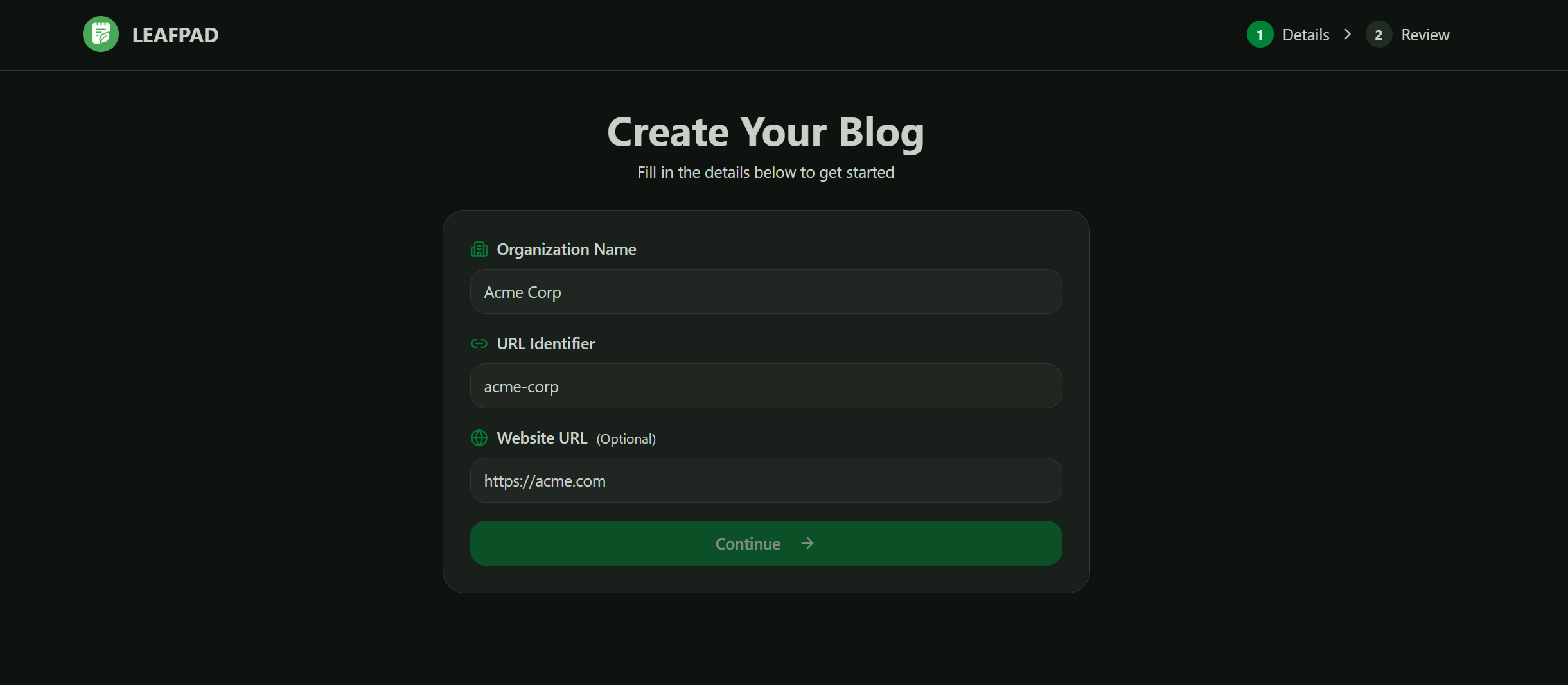
Organization Name: The name of your company, brand, or project. Used for dashboard identification when managing multiple blogs.
URL identifier: Your organization unique identifier. Creates yourdomain.com/blogs/[slug]. Use lowercase letters, numbers, and hyphens only.
Website URL: The primary domain where your blog will be hosted. We'll use this domain to gather information about your site. To write highly targeted audience and do competitor analysis to optimize your schedule and blogs written
Step 3: Create your first post
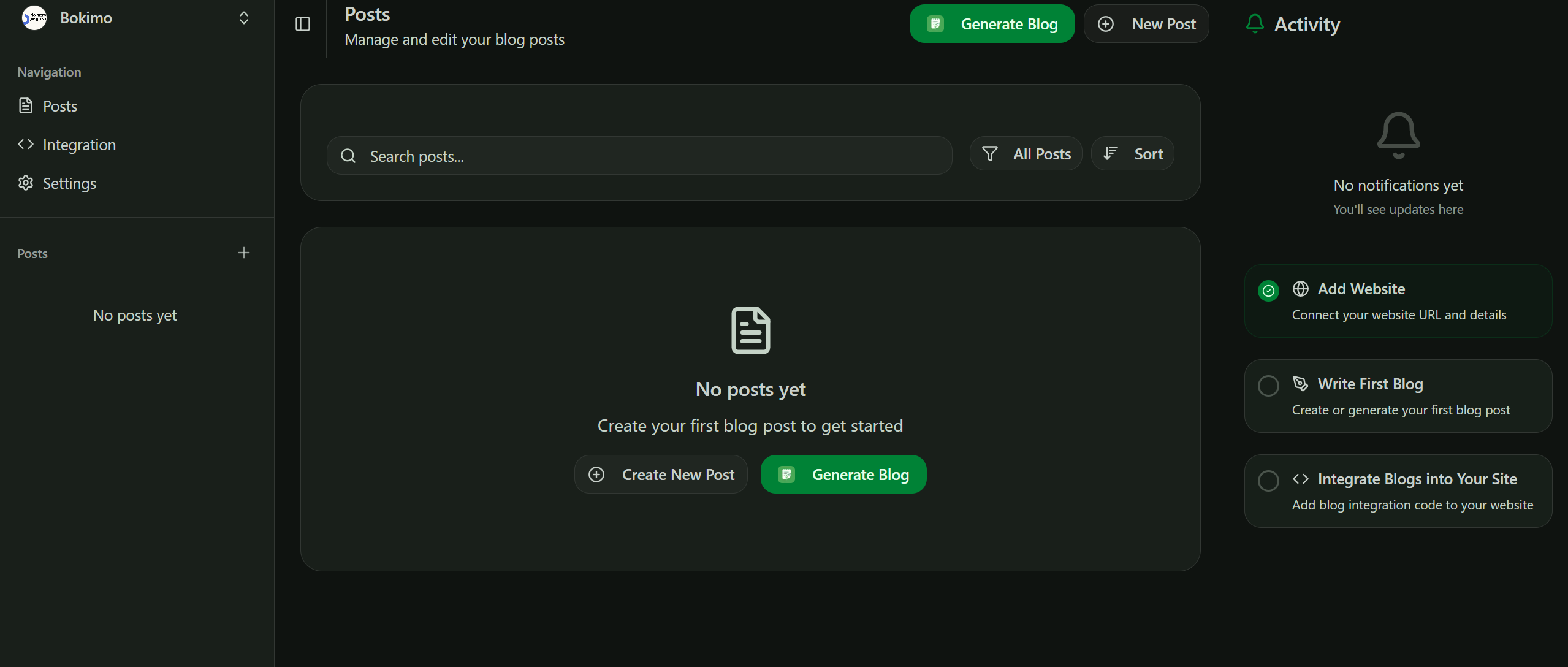
AI Generated Posts
Click the "Generate Post" button and let AI do the heavy lifting. Our AI analyzes your domain, niche, and existing content to write a highly targeted, SEO-optimized post tailored to your audience.
What you get:
SEO-friendly title and meta description
Keyword-optimized content structure
Engaging introduction and conclusion
Proper heading hierarchy (H1, H2, H3)
Ready to publish or edit further
Perfect for overcoming writer's block or scaling content production quickly.
Manual Writing
Prefer to write yourself? Use our Notion-style editor for a distraction-free writing experience.
Smart SEO assistance as you write:
Real-time keyword suggestions
Readability score
Meta description optimization
Heading structure analysis
Internal linking recommendations
Type / for blocks, drag-and-drop images, and format with markdown shortcuts. Our AI analyzes your content on the fly and provides SEO suggestions in the sidebar write naturally, optimize intelligently.
Step 4: Integrate it in your site
Integrating blogs into your existing site is a breeze. If you're using any AI agent to build your site. Just copy and past the prompt. Your blogs will be ready in just under a minute.
Click on integration on the side menu to access the docs.
Notice the difference:
No "blog.yourdomain.com" subdomain splitting your SEO
No generic theme that looks like everyone else's blog
No disconnected design that doesn't match your brand
Just
yourdomain.com/blogs/techbuilding domain authority with every post
Congratulations. You just went from zero to a fully custom, SEO-optimized blog in under 5 minutes. It doesn't stop here. Since, there is not theme lock in. You can go ahead and keep your blog theme as you wish. No premium theme pricing, you imagination is your limit
Understanding the SEO Advantage
Let's talk about why /blogs matters.
Traditional approach (subdomains):
Main site:
yoursite.comBlog:
blog.yoursite.comProblem: Search engines treat these as separate sites. Your blog's authority doesn't help your main domain rank.
Our approach (subdirectories):
Main site:
yoursite.comBlog:
yoursite.com/blogs/techBenefit: Every blog post strengthens your main domain. All your SEO juice stays in one bucket.
This is why major companies (HubSpot, Shopify, Stripe) always put their blogs at /blog or /resources they understand that domain authority compounds. Now you can do the same without a dev team.
Multiple blogs? Even better:
yoursite.com/blogs/techyoursite.com/blogs/product-updatesyoursite.com/blogs/case-studies
All building authority for the same domain. All indexed as part of your main site. All contributing to your overall SEO power.
Customization: Your Design, Your Way
Here's how to make your blog look exactly how you want:
Option 1: Match Your Existing Site
When creating your blog, in the design preferences section, describe your main site:
"Match the design of acme.com - same header with logo and nav, same footer, same color scheme (blue primary, dark navy secondary), same typography (Inter font). Blog posts should have a clean reading layout with good whitespace."The AI will analyze this and generate components that feel native to your existing site.
Option 2: Describe Your Vision
Don't have a site yet? Just describe what you want:
"Minimalist design with large typography, lots of whitespace, black and white color scheme with occasional gold accents. Magazine-style layout for blog index. Mobile-first responsive design."The AI builds it from scratch based on your description.
Option 3: Reference Examples
Point to sites you admire:
"Similar aesthetic to linear.app/blog - clean, modern, excellent typography, subtle animations. Dark mode support. Code blocks should have syntax highlighting like their docs."This is the content which is approved